Readable from across the room
Each ring turns from teal to amber to coral as a limit gets close. You choose the thresholds for every window, and the colors come from the theme.
 ANNULAR.
Annular is a small native Mac app that shows your Claude session and weekly usage as rings, in the menu bar or docked in a corner of your screen. Know whether you will make it to the reset before you start the next long task.
macOS 14 Sonoma or newer, Apple Silicon.

Each ring turns from teal to amber to coral as a limit gets close. You choose the thresholds for every window, and the colors come from the theme.
Hover for exact reset times and a forecast from your recent pace: safe until the reset, or the time you will hit 100 percent. A notification arrives at 75 and 90 percent, once per reset period.
About 15 MB of memory and no measurable CPU at idle. A keep-awake switch for overnight jobs sits next to the rings, on Option-Shift-K, and lets go by itself when the battery runs low.
Six built-in themes and an editor with a live preview. Themes are small JSON files you can duplicate, tweak, export, and share.
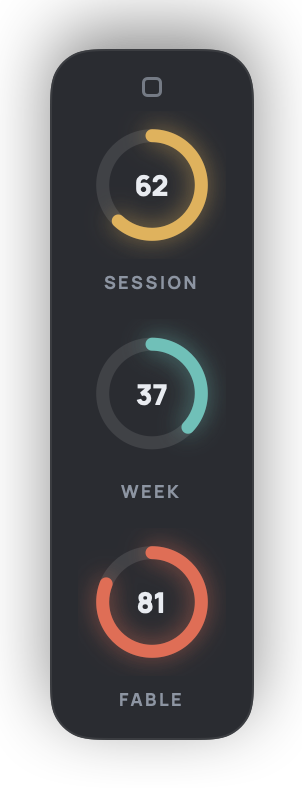
The default: glowing arcs on a translucent panel.
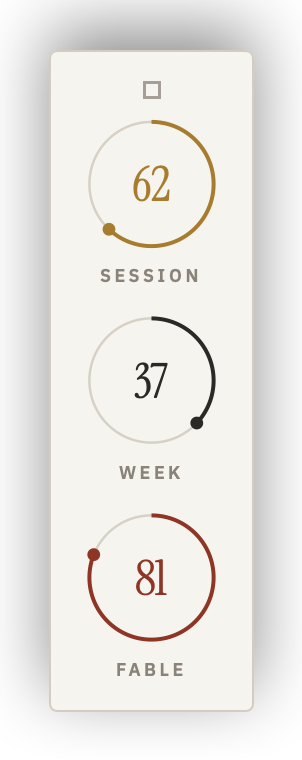
Paper, hairline rings, serif numerals.
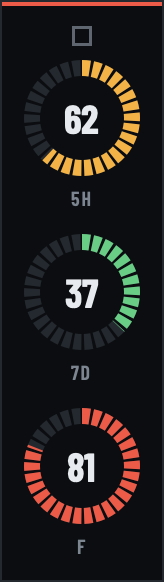
A segmented gauge in green, amber, and red.
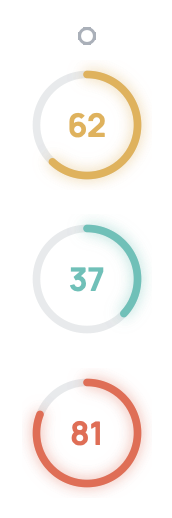
No panel. Just the rings on your desktop.
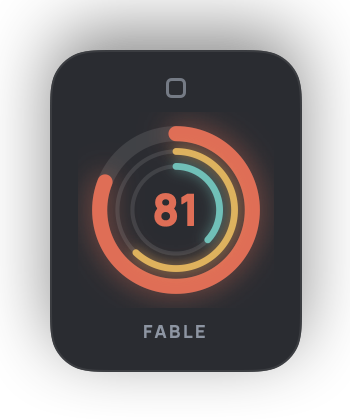
One ring for the tightest limit, the others inside it.
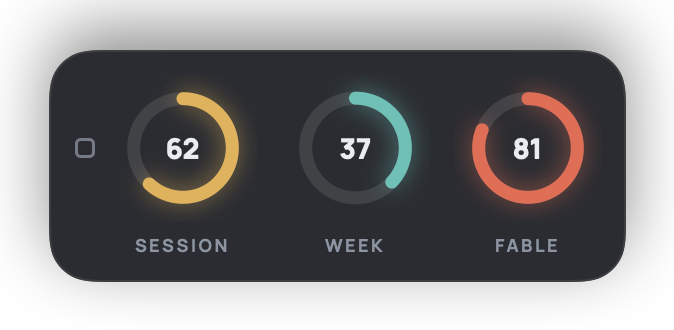
Three rings in a row along an edge.
Annular opens Claude's own sign-in page in your browser, or reuses the Claude Code login already on your Mac with one click. It never sees your password, and it asks only for permission to read your profile and usage.
Tokens live in the macOS Keychain and nowhere else. Usage history is a local file you can switch off and purge. There is no account, no server, no analytics, and no crash reporting.
The app talks to Anthropic to read your usage, and to annular.app once a day to look for an update. Updates are notarized by Apple and verified against Annular's signing key before they install.